
In our previous Android posts, we walked through the process of building and running Edge Impulse projects on Android using Kotlin and the Native Development Kit (NDK). We mentioned hardware acceleration was coming in our earlier blogs and announcements.
That workflow is still perfectly workable for classification and anomaly detection, even on older devices. But as models grow in size and complexity, object detection, tracking, and multi-stage pipelines, hardware acceleration becomes more relevant for production-quality performance.
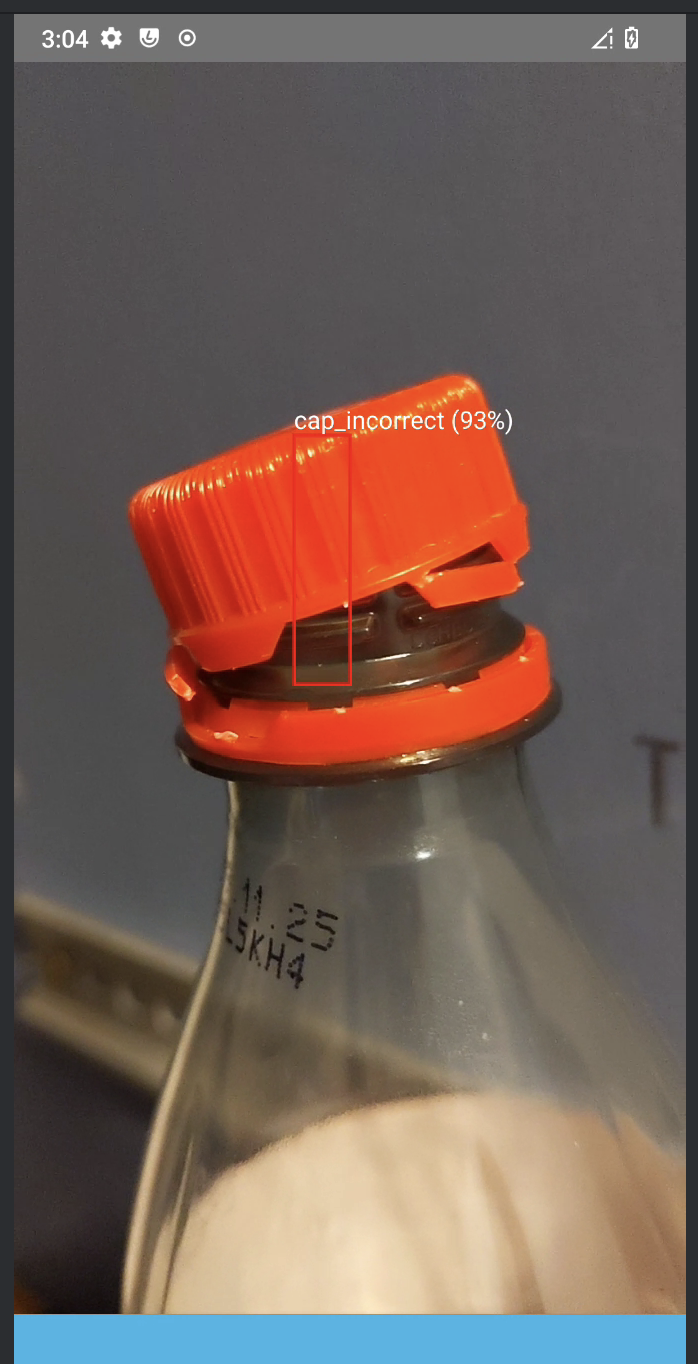
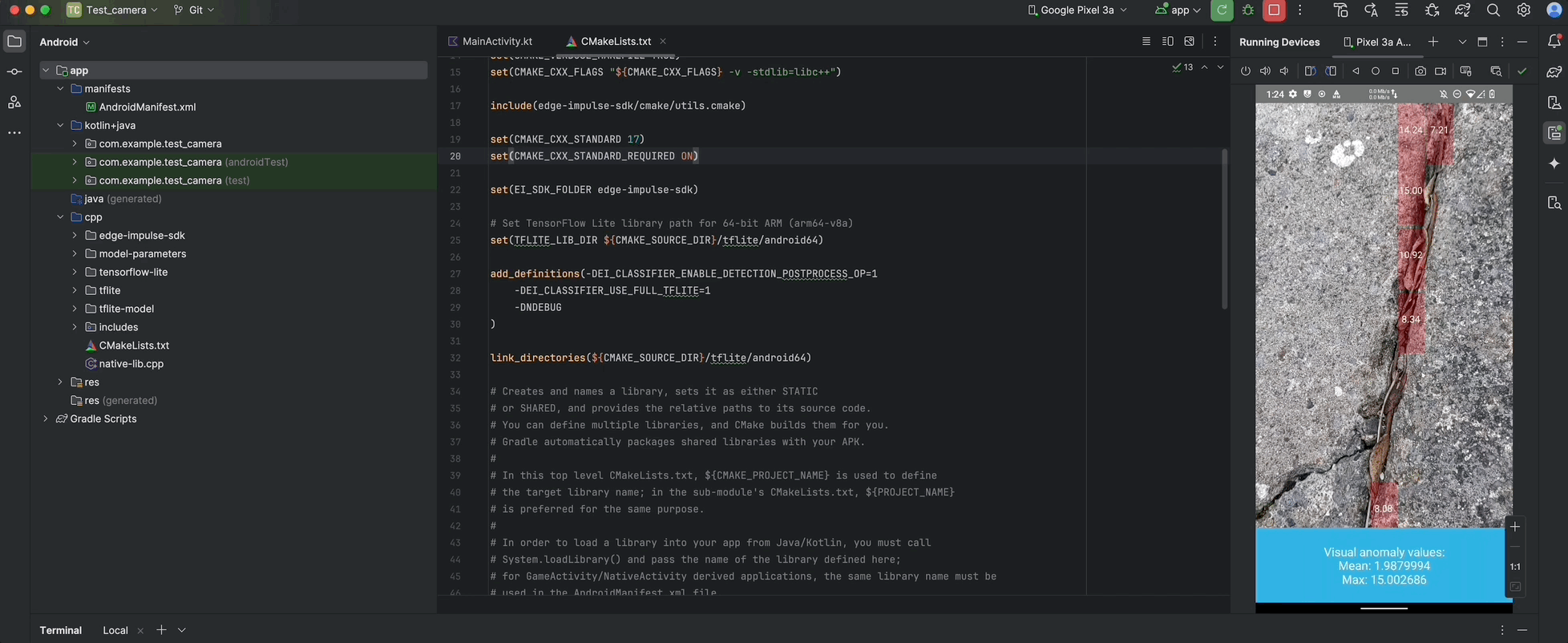
Classification on the left, anomaly detection on Android — acceptable performance on Pixel 3A and Raspberry Pi
Enabling QNN hardware acceleration
Today, we flip the switch on hardware acceleration: enabling the Qualcomm AI Engine Direct SDK (QNN SDK) TFLite Delegate on supported Snapdragon and Dragonwing devices for real performance gains without rewriting your app. If you already have the sample app running, this process takes approximately ten minutes and preserves your Kotlin/C++ architecture intact.
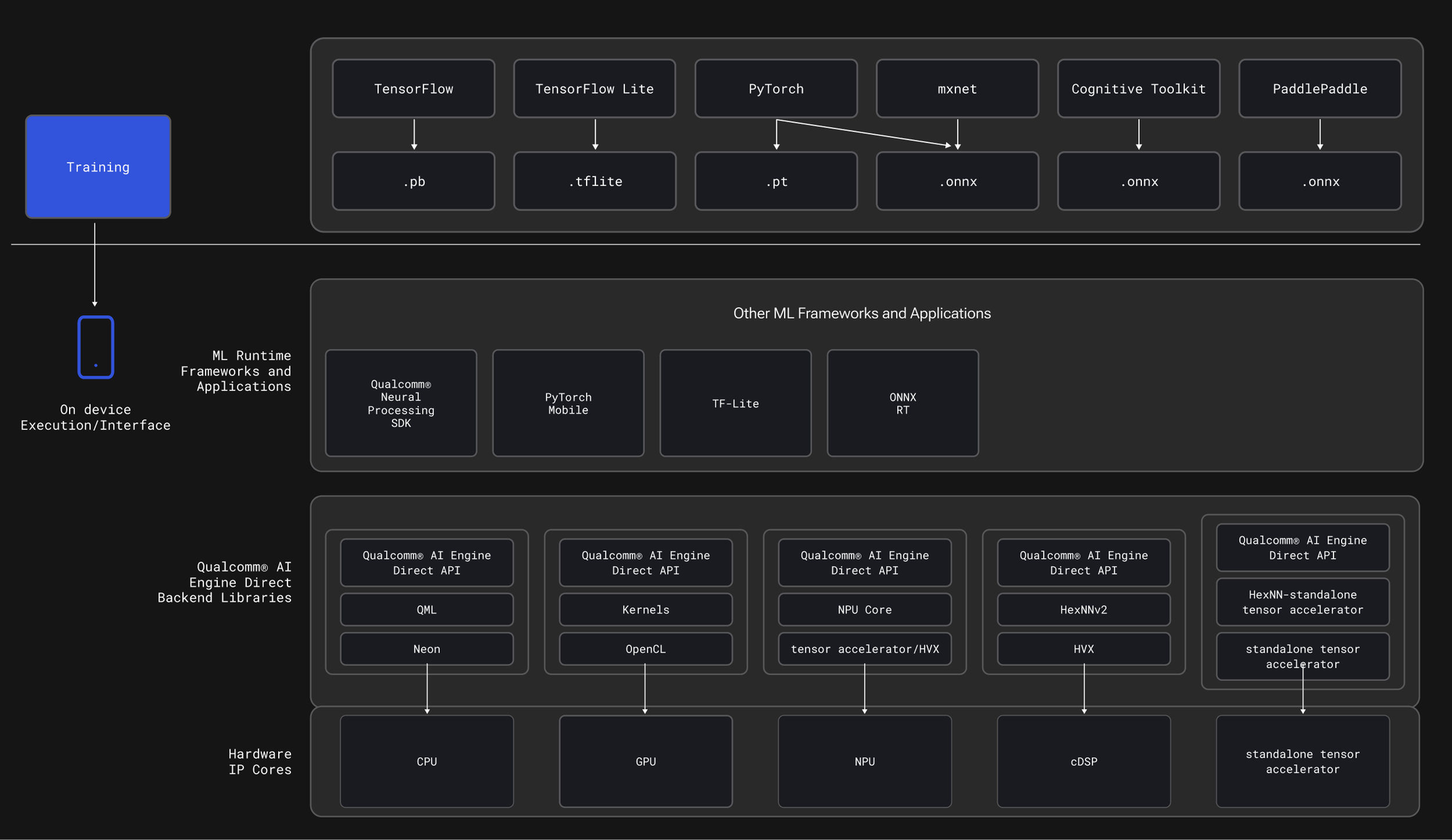
What devices are supported?
Many of the latest Qualcomm high-end mobile chipsets, like those available on the test device pictured below on Device Cloud and embedded devices, support this. This includes the 6490-enabled Rubik pi and RB3
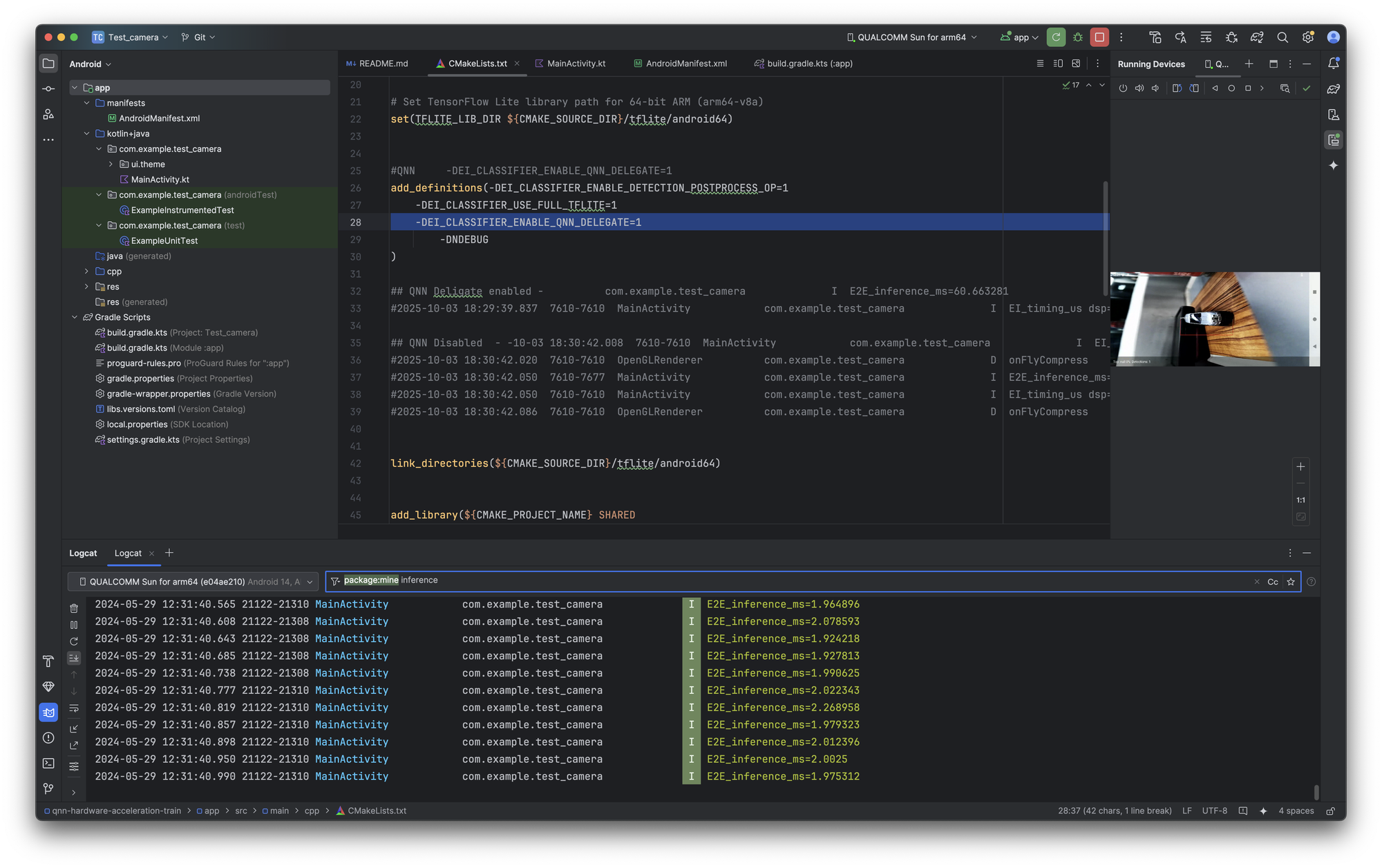
Snapdragon core with Hexagon core test device running QNN at blazing speeds for object counting and tracking.
Snapdragon Mobile Devices and Dragonwing Embedded devices that contain a Qualcomm® Hexagon™ NPU
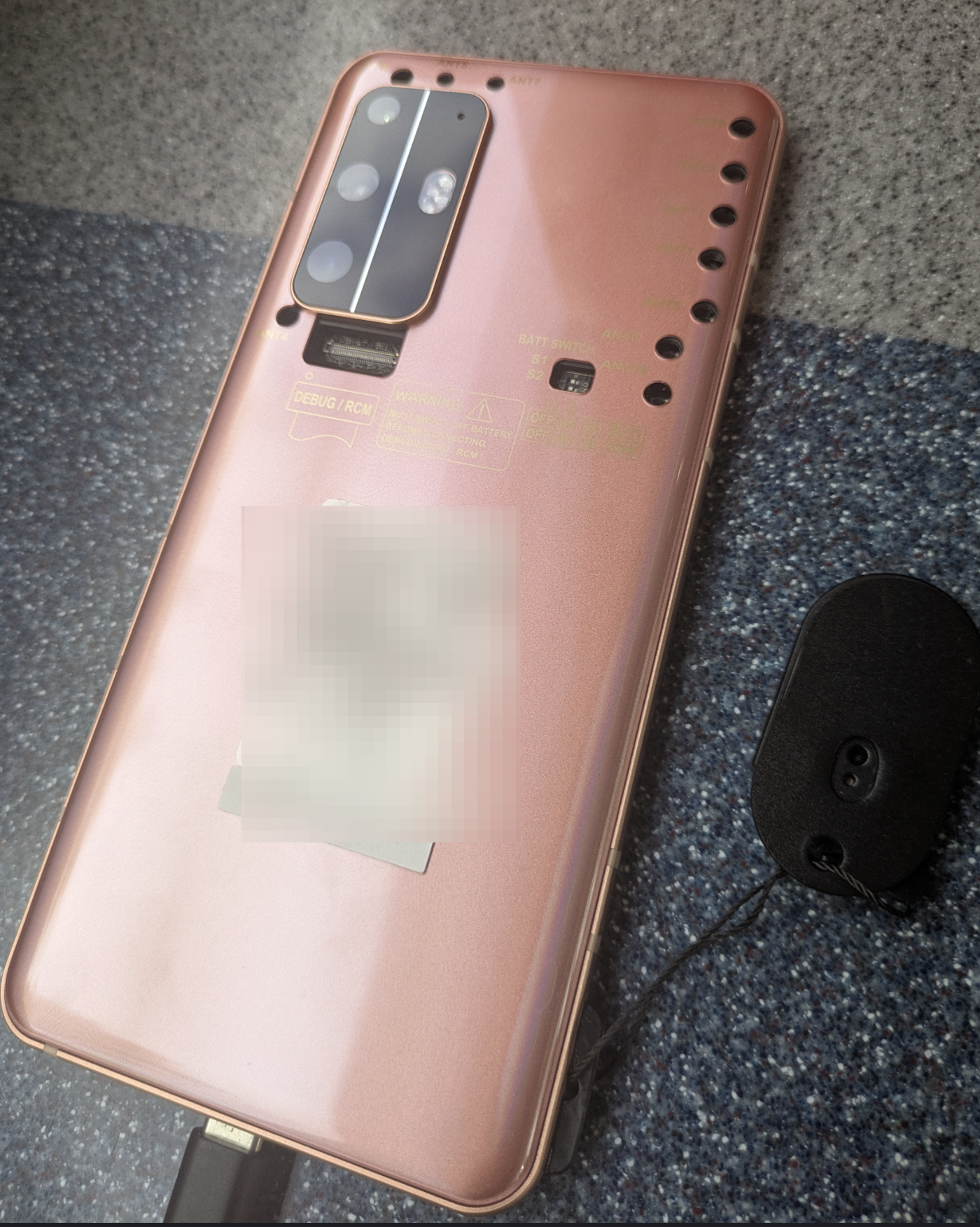
While Android CPUs are good, Qualcomm’s HTP (AI accelerator) and DSP are often better for inference. QNN lets TensorFlow Lite route supported ops to those engines via the QNN TFLite Delegate, unlocking lower latency and lower power.
What to expect:
Here are the results for a YOLOv5 small 480x480-quantized model on the Rubik Pi 3 from our embedded team, who developed this integration. Some screenshots below are from my own testing; the numbers were a little higher when using the RPI3 camera on a 6490-enabled Rubik Pi.
| Path | DSP (µs) | Inference (µs) |
|---|---|---|
| Without QNN | 5,640 | 5,748 |
| With QNN | 3,748 | 527 |
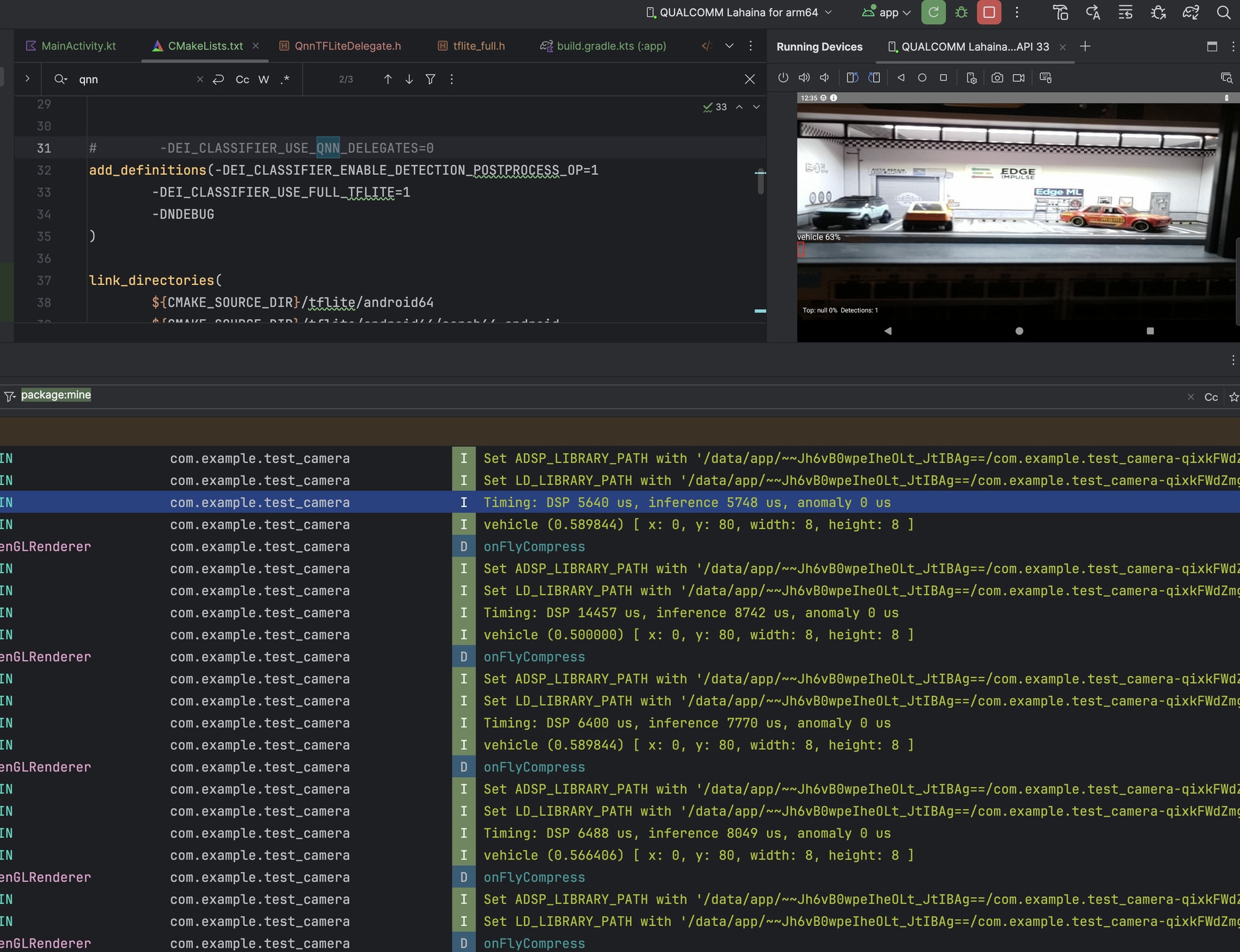
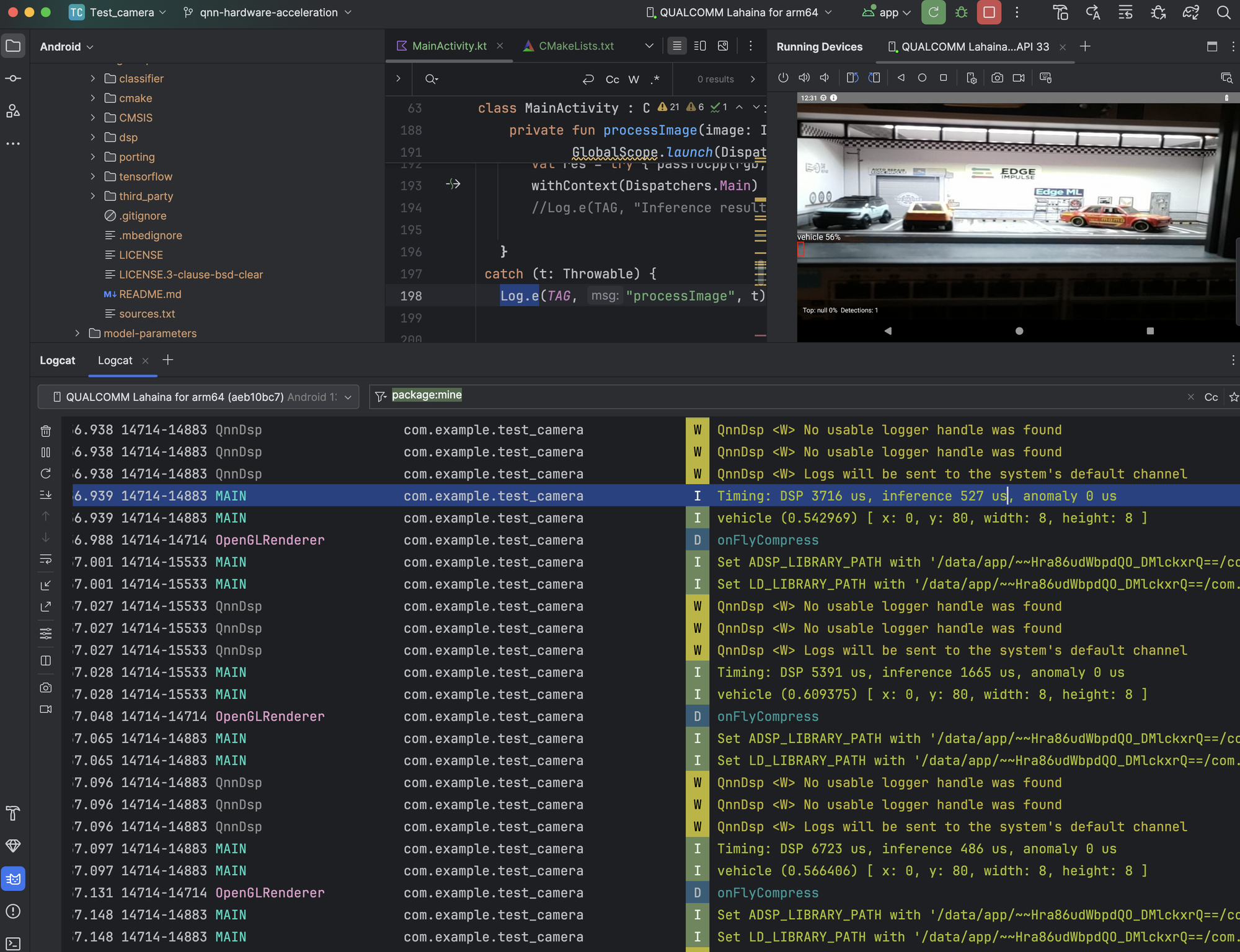
With QNN: DSP 3748 µs, Inference 527 µs; without QNN: DSP 5640 µs, Inference 5748 µs
Conservative expectations:
- Inference: 5,748 to 527 µs ≈ 10.9× faster
- DSP stage: 5,640 to 3,748 µs ≈ 1.5× faster
- Smoother frame times: dedicated accelerator = lower jitter.
- Drop-in: add shared libs + a few env options; keep your model pipeline.
From our own logs on a mid-range device, classification dropped significantly. Your mileage varies by SoC, model, and quantization.
Note that optimizing your model architecture around the available operations will increase your expected performance dramatically.
How to get started?
There are some manual steps still involved; we are providing an example repository and details on how to access the required libraries but will continue to refine the user experience.
Why this matters (now more than ever)
As we ship richer models, VLMs, and larger models, on-device post-processing compute demand is becoming more essential. Leaning on Qualcomm’s HTP/DSP via QNN isn’t just a nice-to-have; it’s how you turn prototypes into industrial-grade systems at scale.
Community highlight: Offline Whisper to Stable Diffusion on QIDK
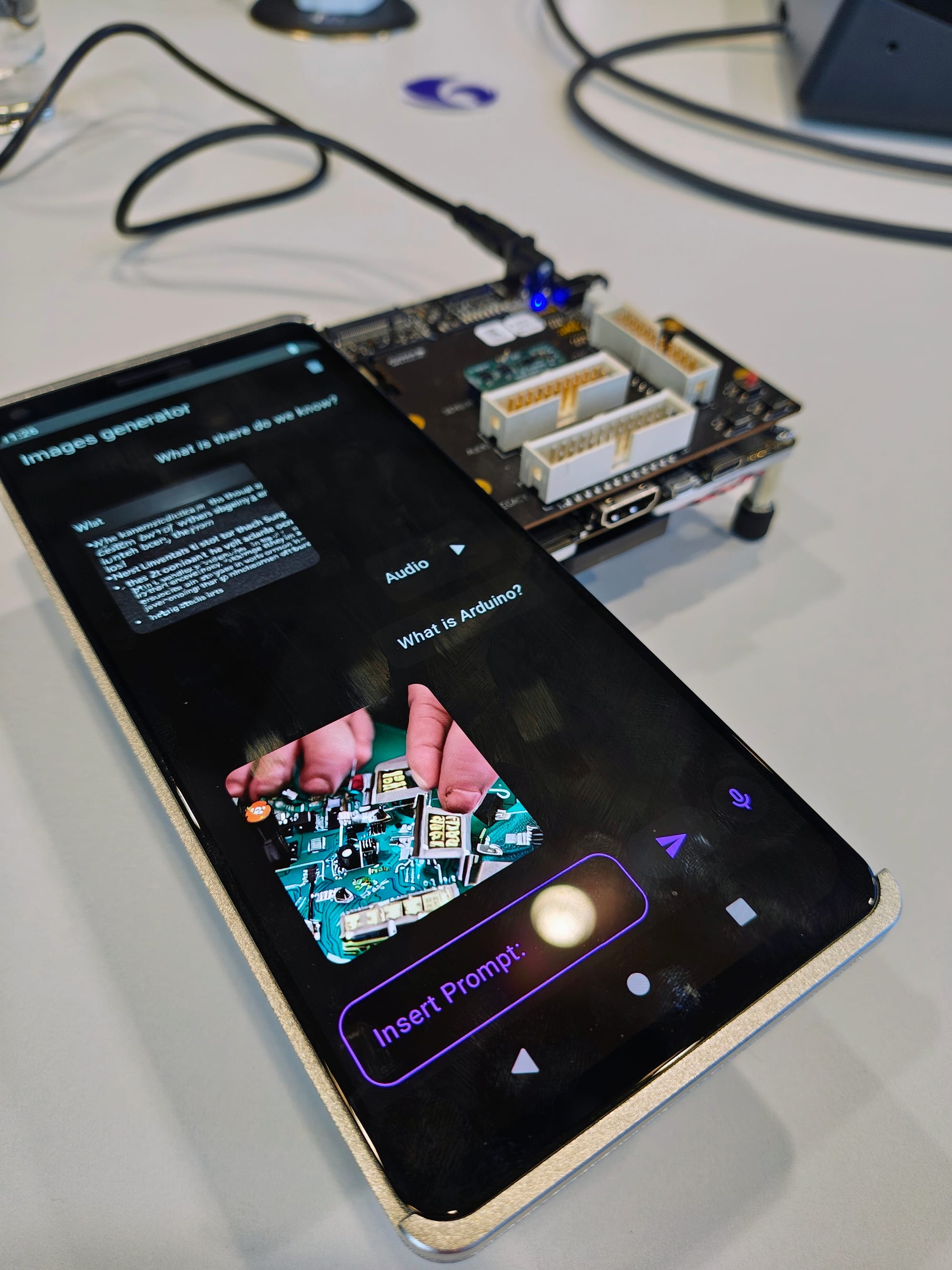
This week, a very impressive reference project landed in the Qualcomm Innovators Development Kit (QIDK) repo from Jheisson Argiro López Restrepo and Michele Filadelfia: a fully offline pipeline from speech-to-text (Whisper) to image generation (Stable Diffusion) running entirely on-device, accelerated on Hexagon-enabled hardware.
I had the chance to preview it firsthand earlier this week at the Cork site, and it’s exactly the kind of “this is why acceleration matters” demo that makes the impact obvious. When your pipeline is end-to-end on-device, the NPU is what makes the difference between a prototype and something that feels product-grade.
I've created a fork of this in our Android examples in the same style as our other examples in the Android
This also sets a useful direction for Android developers: it’s not just about faster object detection anymore — it’s about enabling entire pipelines locally, reliably, and efficiently.
Try it now on Device Cloud for free!
If you don’t have a Moto Edge device or a Snapdragon / Dragonwing development board on hand, you can still try this workflow using Qualcomm Device Cloud and run inference on real hardware remotely. See our tutorial here: https://docs.edgeimpulse.com/tutorials/topics/inference/run-qualcomm-device-cloud#run-on-qualcomm-device-cloud
As we continue to build and utilize this in our own customer solutions and community projects, we would love to hear about your experiences and the features you are experimenting with, as well as the target platforms.
Links and Resources
QIDK speech_to_image (Whisper to Stable Diffusion):
https://github.com/quic/qidk/tree/master/Solutions/GenAI/speech_to_image
Edge Impulse: Getting Started with Android Studio and Edge Impulse:
https://www.edgeimpulse.com/blog/getting-started-with-android-studio-and-edge-impulse/
Edge Impulse Android Series:
https://docs.edgeimpulse.com/tutorials/topics/android/android-series
Edge Impulse QNN Hardware Acceleration on Android:
https://docs.edgeimpulse.com/tutorials/topics/android/qnn-acceleration
Reference repo (QNN hardware acceleration example):
https://github.com/edgeimpulse/qnn-hardware-acceleration
Run on Qualcomm Device Cloud:
https://docs.edgeimpulse.com/tutorials/topics/inference/run-qualcomm-device-cloud