
In October, we announced the Edge Impulse Zephyr Module, making it easier than ever to integrate edge AI into your Zephyr-based projects. Now we’re excited to introduce the next step: west extension commands for building and deploying model artifacts as part of your Zephyr workflow.
Quick recap on Zephyr
- What is Zephyr? The Zephyr Project is a real-time operating system (RTOS) used for embedded and IoT products — from low-power sensor nodes to industrial gateways and connected wearables.
- What is west?
westis Zephyr’s meta-tool for managing projects and dependencies. Install it with:pip install -U west - What are west extensions?
westis pluggable: projects can add their own commands (called west extension commands) without modifying west itself. These show up inwest --helpunder the project that defines them.
You can read on in our previous blog for more on our Edge Impulse Zephyr Module Deployment announcement blog.
We’ll demo the workflow on 14th of January on Zephyr Tech Talks with Benjamin Cabé, Francesco Varani, and Eoin Jordan.
What’s New?
- West Command Extensions: Build and deploy your Edge Impulse models with new, integrated west
ei-buildandwest ei-deploycommands for your project deployment integration - Extended documentation and examples: Zephyr module series guides and real-world examples help you get started and go further
Get Started
Using west extension commands is very easy. Just like before, simply add our module to Zephyr with the following command (be sure to first replace the xyz values to match your Zephyr version):
manifest:
  projects:
    - name: edge-impulse-sdk-zephyr
      url: https://github.com/edgeimpulse/edge-impulse-sdk-zephyr
      revision: vX.Y.Z
      path: modules/edge-impulse-sdk-zephyr
      west-commands: scripts/west-commands.yml
Then Run:
west ei-build: Invoke a build of your Edge Impulse project directly from your Zephyr environment.west ei-deploy: Once the build completes, download your built deployment artifacts for easy integration.west build: Compile your Zephyr firmware.west flash: Flash your firmware to your hardware target.
With these commands, you can trigger Edge Impulse builds as part of your Zephyr workflows — making it easier to integrate Edge Impulse into CI/CD and broader MLOps pipelines (something we’ll explore in a later webinar).
Zephyr Series: New Tutorials and Examples
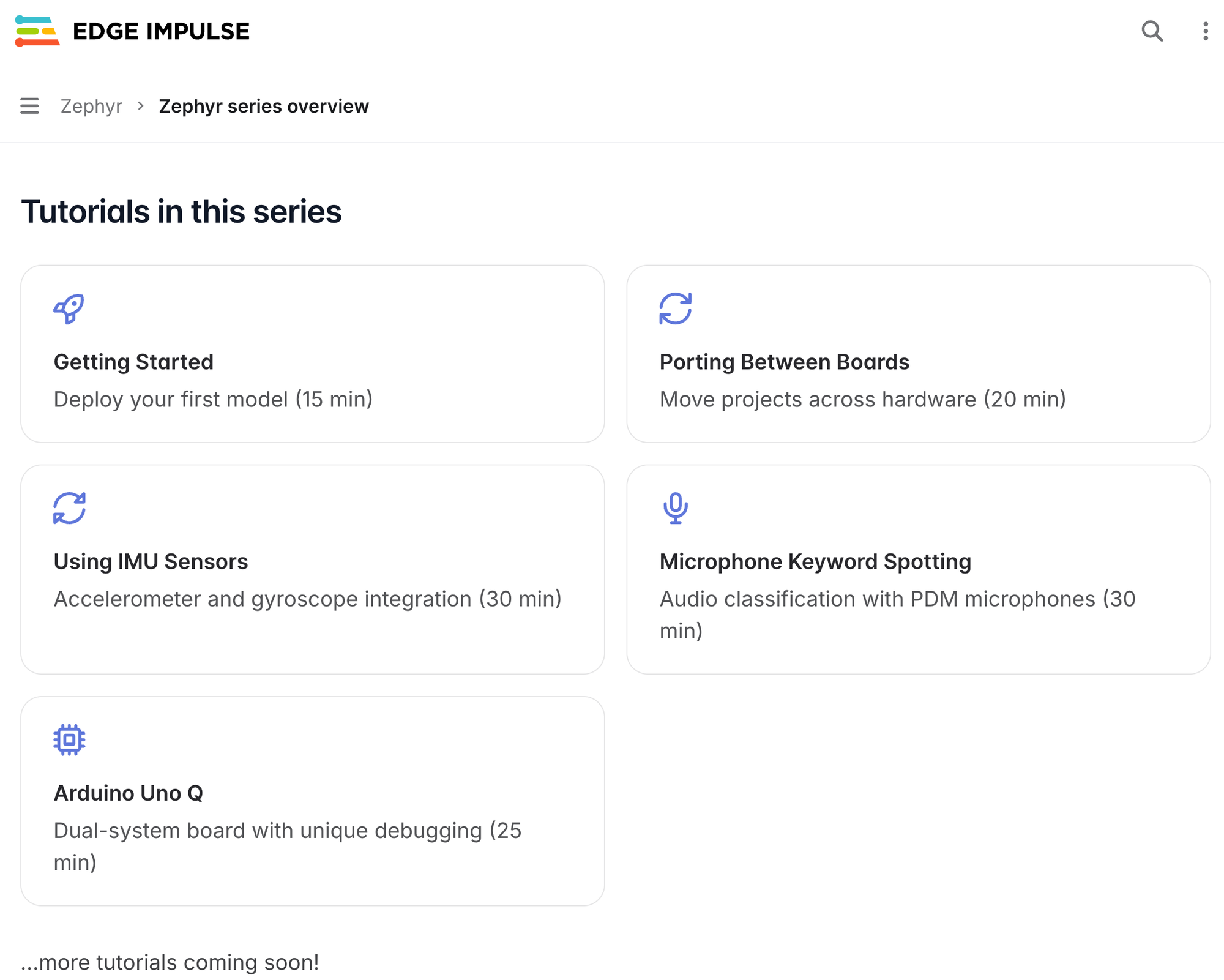
To help you maximize your Edge Impulse + Zephyr experience, we’ve launched a Zephyr series in our documentation. This series advances from simple deployments to application-level implementations, covering how to:
- Deploy your first model in minutes
- Port projects across different Zephyr-supported boards
- Integrate with IMU sensors (accelerometers, gyroscopes)
- Perform microphone keyword spotting
- Explore unique boards like the Arduino Uno Q
Join Us: Live Tech Talk with Zephyr Project
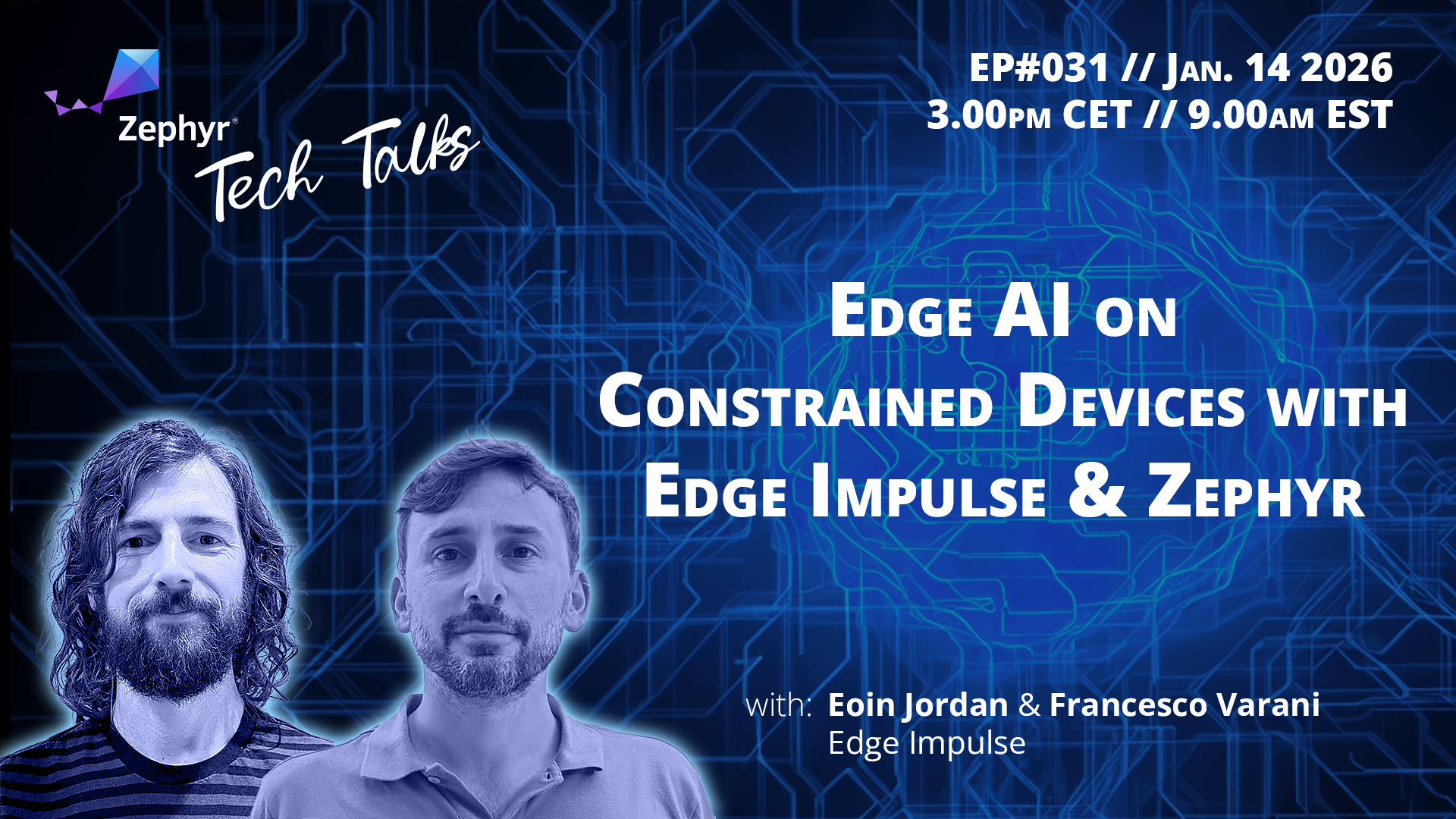
Want to see the Edge Impulse Zephyr Module in action? Join us for a live Tech Talk with the Zephyr Project team on January 14th. We'll demo the workflow, answer your questions, and show how to take your embedded ML projects to the next level.
Links
- Try the new Zephyr series tutorials in our docs
- Use the updated west commands to build, deploy, and flash your models
- Register for the Tech Talk to get live insights and demos